I’ve been asked what I would consider the simplest setup to broadcast a match with a scoreboard.
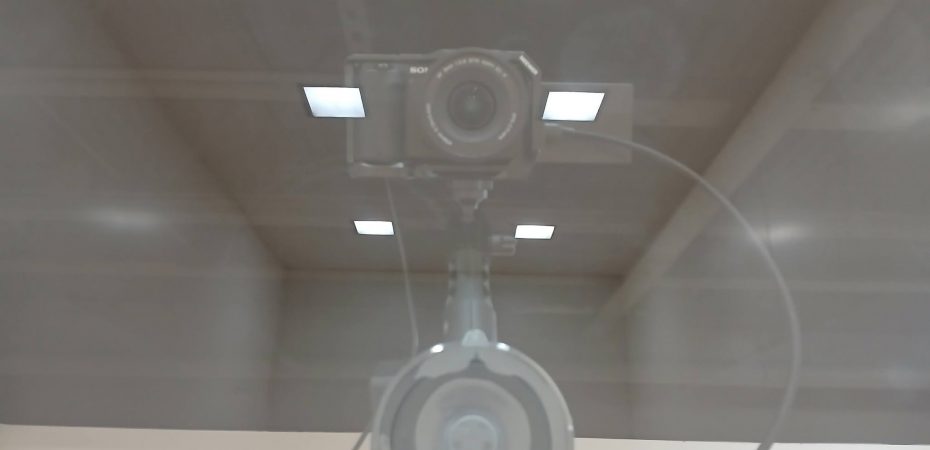
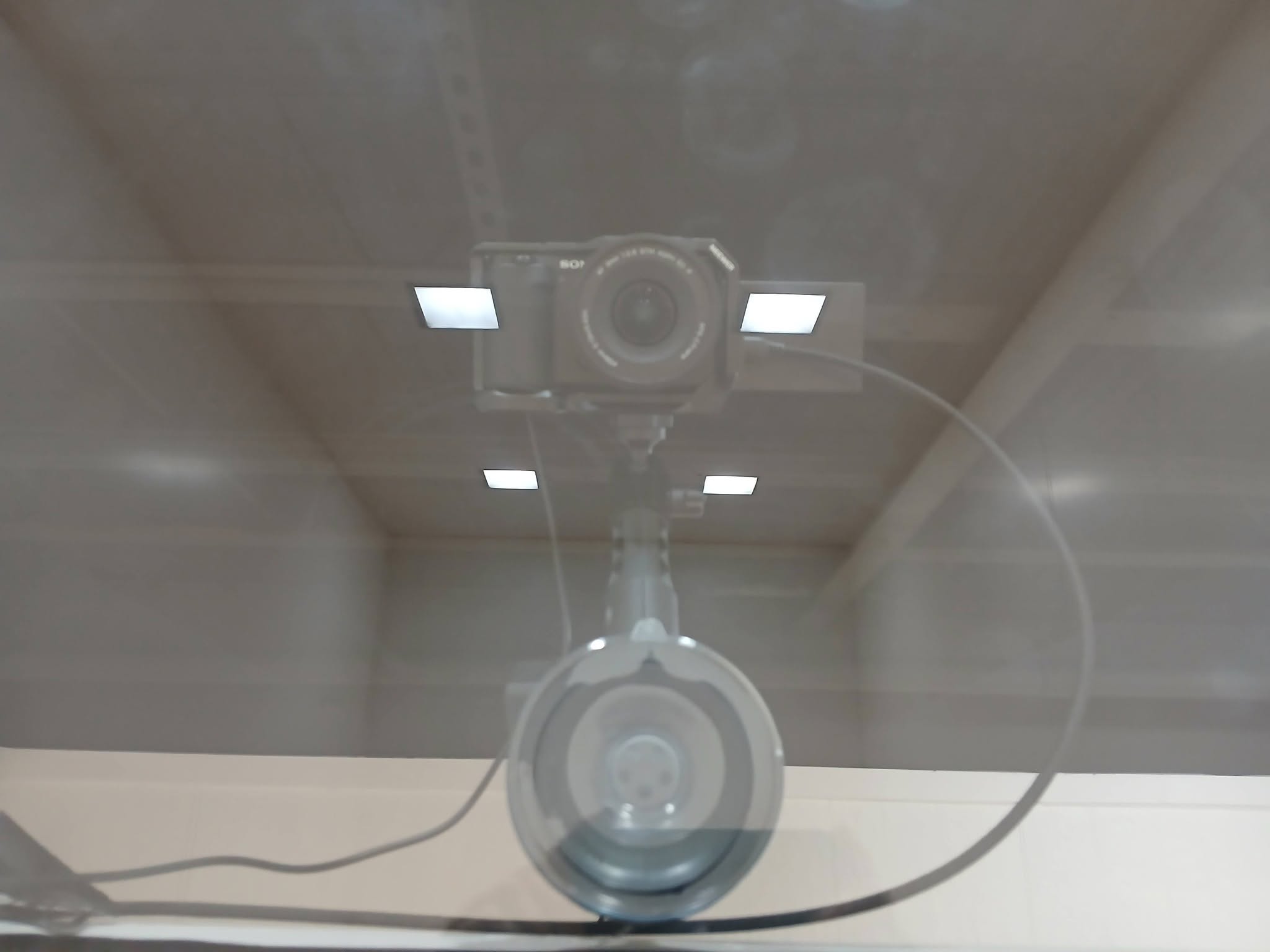
If you don’t need to stick with simply a smart phone or tablet and would like to interact with a better camera with an interchangeable lens, then this recent setup that I used for the International Racquetball Tour Club would likely be my recommendation.
I am an Amazon affiliate. Any purchases made thru the links below may result in my receiving a commission that does not increase the cost of the items to you.
1) A Mirrorless camera. The Sony ZV-E10, specifically. Although the Sony ZV-E10 II has been released and would be just as good but a tad more expensive. If you look at the used market, you can find this camera in the $500 range and it can go up to $900 if you buy new on Amazon with a large accessory kit.
2) A dummy battery to power the camera all day without the possibility of a battery overheating or running out in the middle of a game.
3) A wide-angle lens is critical to get the best view of as much of the court as possible. The VILTROX 9mm F2.8 Ultra Wide Angle Lens is what I used with that camera for that specific event in St. Louis. You can spend 4-5 times as much on a wide-angle lens, so do your research before making a purchase. This Viltrox was below $200 when I purchased it new.
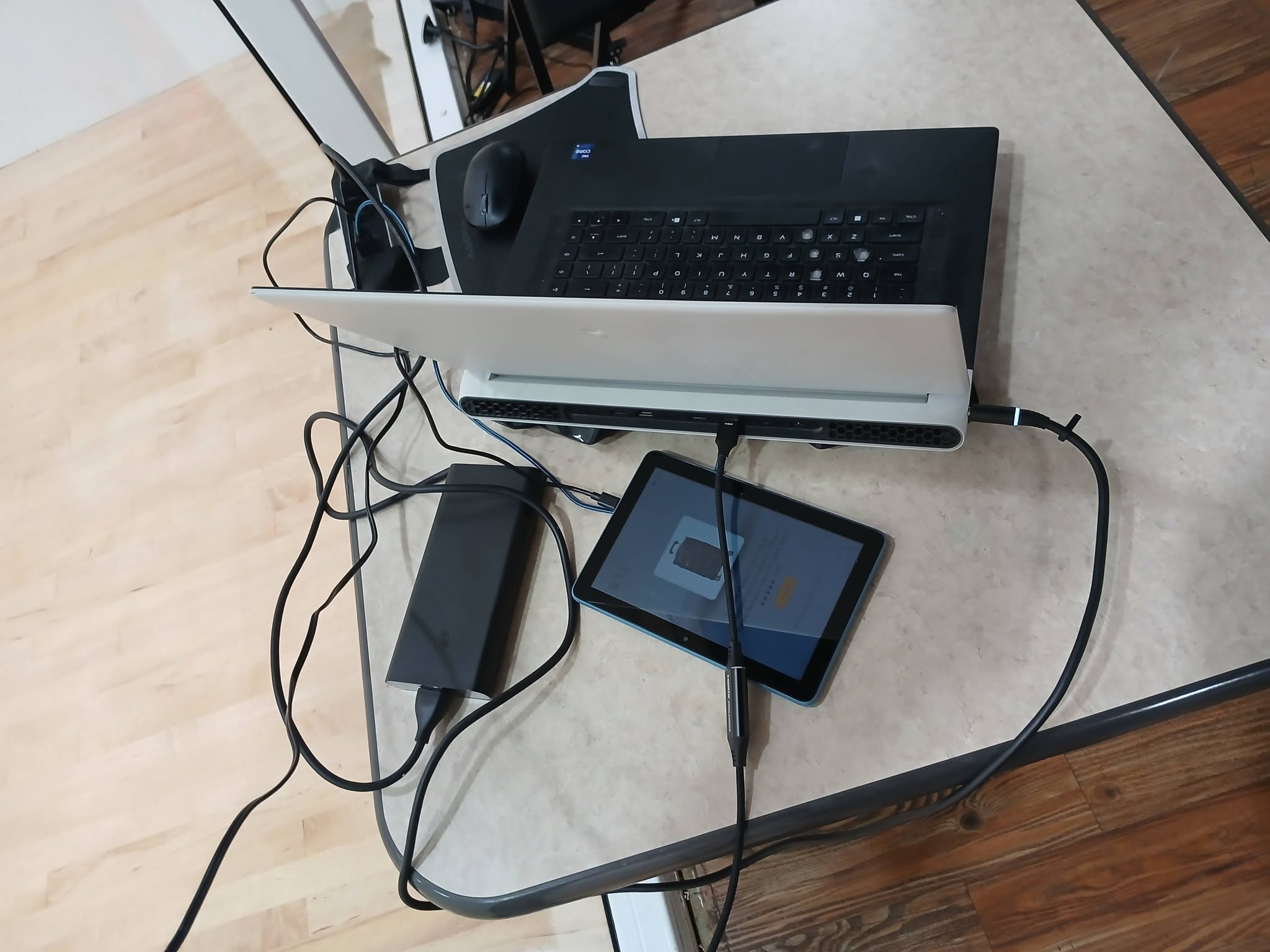
4) A video capture device, like the one built into this cable. It goes from the Micro HDMI port on the camera directly to a USB port on the computer. RUIZHI Video Capture Card, Micro HDMI to USB. This took the 4k 60 fps output from the camera and provided it to the PC as 1080p 60 fps and in my opinion, looked very good for a $25 cable/capture card.
5) Microphones. I prefer the wireless microphones that can pair 4 inputs/mics with 1 receiver. The COMICA Vimo Q is my choice and I have used them reliably for 2.5 years so far. You can spend a lot more on a wired headset and an audio adapter. For my money, the wireless option is cheaper, faster to setup, easier to integrate into the software of choice, and smaller to travel with. Most of the competitors to this product will be 2 microphones per receiver, but there are a few more out now that have gone for the 4/1 combo that I prefer.
6) A scoreboard solution. I use the same tool (tablet app and web page overlay) that the Ladies Professional Racquetball Tour, the International Racquetball Tour, USA Racquetball, Racquetball Canada, and Racquetball Ontario use. For me, having the referee keep the score and having a customizable scorecard available as an overlay in any broadcast software is a basic requirement. You can use the R2 Sports referee app, but the output that shows the current score is too big, too bland, and un-customizable for my preference. Reach out if you are interested in this solution and I will put you in contact with the software developer.
7) Software to pull it all together and send it to the internet. For the St. Louis event, I used OBS Studio (which runs on Windows / Mac / Linux) so that the commentators that would have to navigate the match only had to click on Start or Stop Streaming. Since the IRT Club is a membership driven service, we did not show any commercials during timeouts or between games. We could have. I would do more automation with an Elgato Stream Deck XL if I wanted to be able to hand over an entire match with commercials to a commentator.
8) The computer used has been detailed on this site previously and is overkill for a single camera / no commercials broadcast.
9) Placement. I’ve written a prior article about where cameras/phones should be placed behind the court. I stand by it. 🙂
Have any questions about this setup or one you are considering? Drop me a line.